

ZMR NX4 EVO Fixed-Wing Gyro Flight Controller
Technical Highlights
Three-Axis Fixed-Wing Stabilization
The ZMR NX4 EVO provides gyroscope-assisted correction for aileron, elevator and rudder control surfaces on compatible fixed-wing RC aircraft.
Four Progressive Flight Levels
Beginner, Practice, Intermediate and Expert settings allow the stabilization response to be matched to pilot experience and the intended aircraft behavior.
One-Key Rescue Function
A dedicated Emergency input can command the controller to assist with aircraft recovery when the system has been calibrated and installed correctly.
Automatic Balance and Attitude Lock
The controller provides automatic balance assistance and attitude-locking functions for stable conventional and 3D fixed-wing flight.
Multiple Wing-Type Support
Onboard switches configure the controller for conventional single-aileron, dual-aileron, delta-wing and V-tail aircraft.
Technical Specifications
| Product Name | ZMR NX4 EVO Fixed-Wing Gyro Flight Controller |
|---|---|
| Product Type | Three-axis fixed-wing gyro stabilizer |
| Stabilized Axes | Aileron, elevator and rudder |
| Input Voltage | DC 4.5–6V |
| Response Frequency | 100Hz |
| Operating Temperature | 0°C to 50°C |
| Dimensions | 43 × 28 × 15 mm |
| Weight | Approximately 11 g |
| Configuration | DIP switches and independent axis-gain potentiometers |
| Receiver Channels | At least 4 channels; up to 7 channels for additional mode and emergency functions |
| User Firmware | Dedicated hardware controller without a published user-flashable firmware target |
| Navigation Functions | Gyro stabilization only; no GPS navigation or autonomous mission control |
Flight Functions
| Progressive Flight Levels | Beginner, Practice, Intermediate and Expert |
|---|---|
| Automatic Balance | Assists with returning the aircraft toward a stabilized attitude |
| Attitude Lock | Supports attitude-holding assistance for suitable flight maneuvers |
| Emergency Rescue | Dedicated transmitter-controlled recovery function |
| Manual or Gyro Off Operation | Allows direct transmitter control when stabilization is disabled |
| Gain Control | Independent AIL/ELE/RUD adjustment and remote overall gain control |
Supported Aircraft Configurations
Conventional fixed-wing aircraft with one aileron channel
Fixed-wing aircraft with separate left and right aileron channels
Delta-wing aircraft
V-tail aircraft
Compatible 2D and 3D fixed-wing aircraft
Installation Notes
Use a stable regulated DC 4.5–6V receiver or BEC power source.
Do not use an unsuitable dry-cell power source.
Mount the controller firmly near the aircraft center of gravity.
Keep the label side facing upward and align the long side with the aircraft heading.
Disable transmitter delta or V-tail mixing when the corresponding mixing is performed by the NX4 EVO.
Begin initial flights with a low gain setting and increase it gradually.
Check the correction direction of the aileron, elevator and rudder before every first flight or configuration change.
Calibrate the Emergency function and verify that the elevator follows the documented recovery sequence.
Relearn the neutral position after changing the receiver, transmitter trim or sub-trim.
Release the Emergency switch after the aircraft is level and under control.
Package Contents
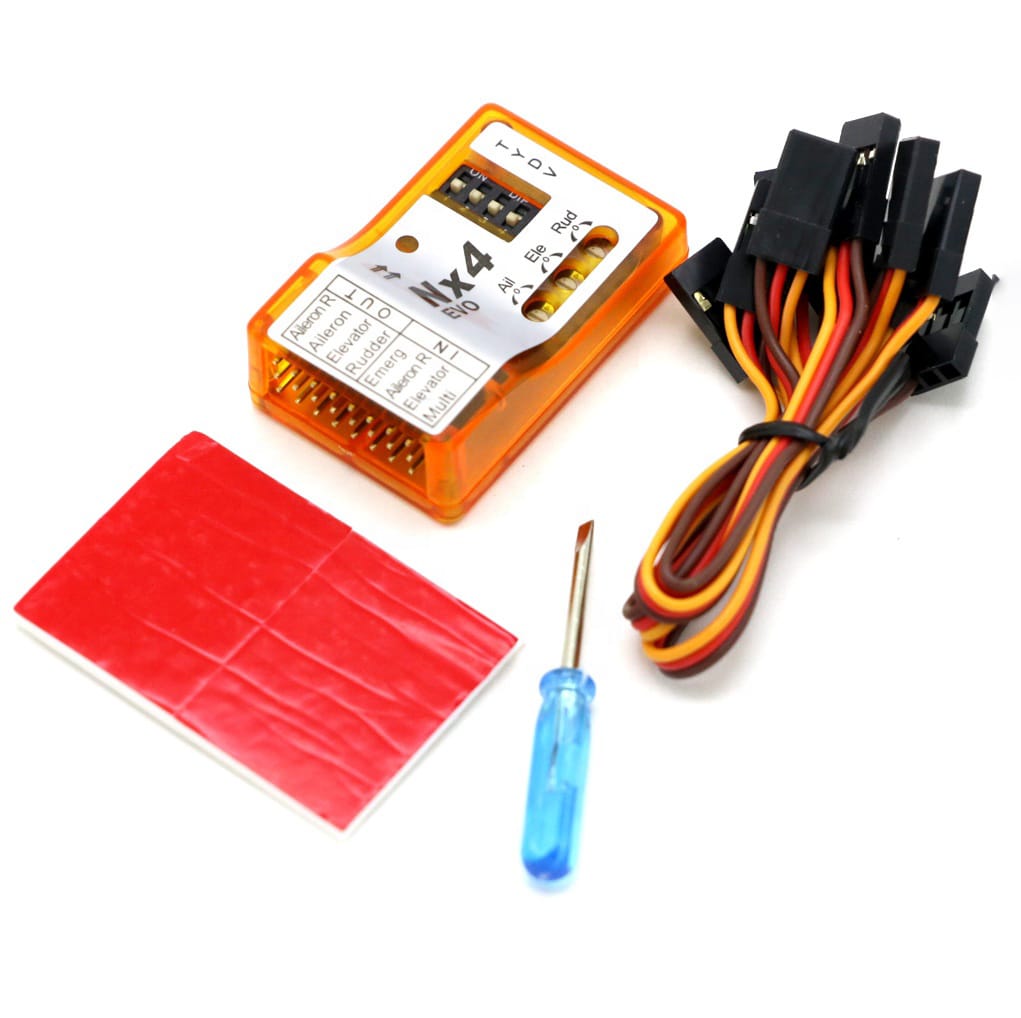
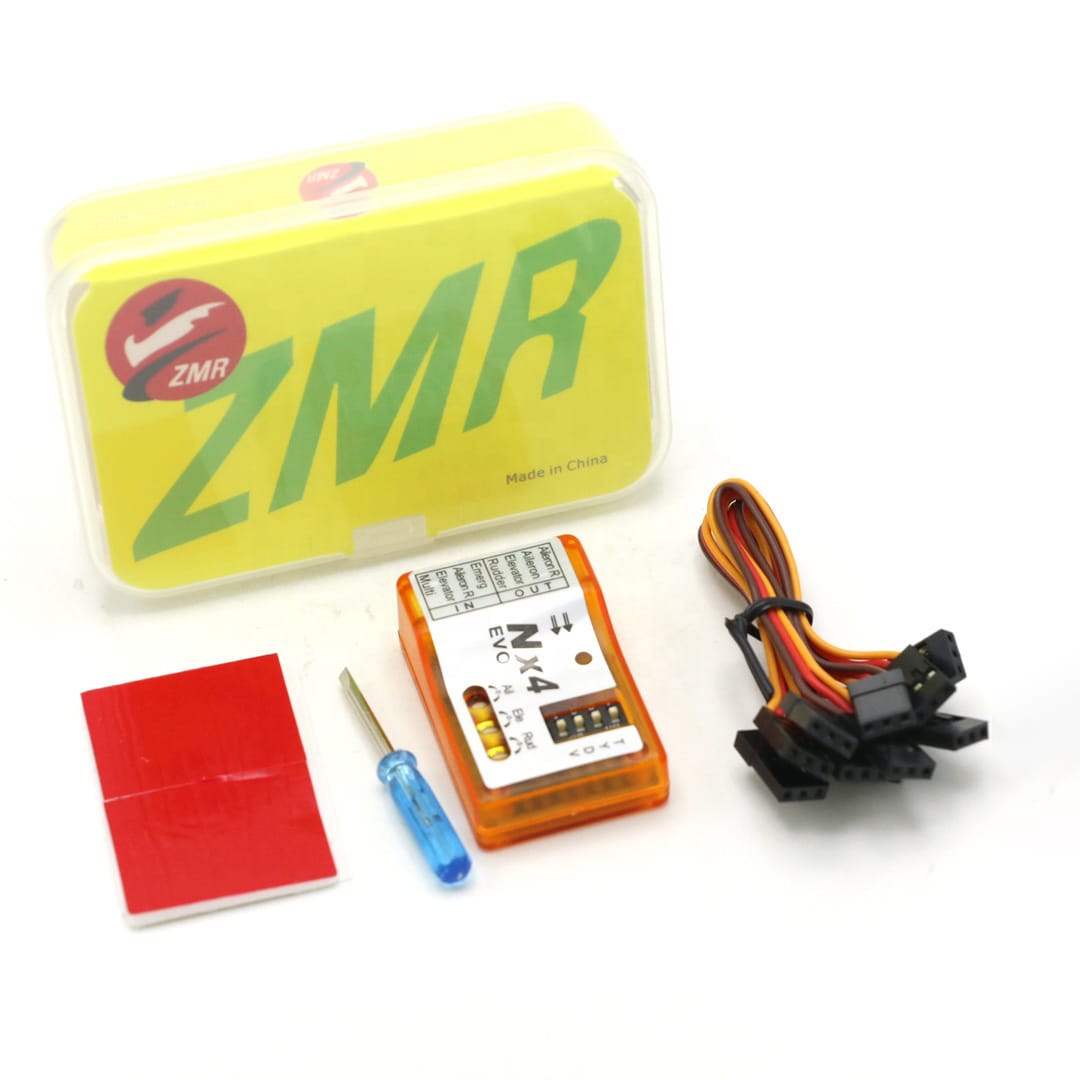
NX4 EVO flight controller
Connection cables
Double-sided mounting pad
Adjustment screwdriver
FAQ
Is the NX4 EVO the same as the NX4 PRO?
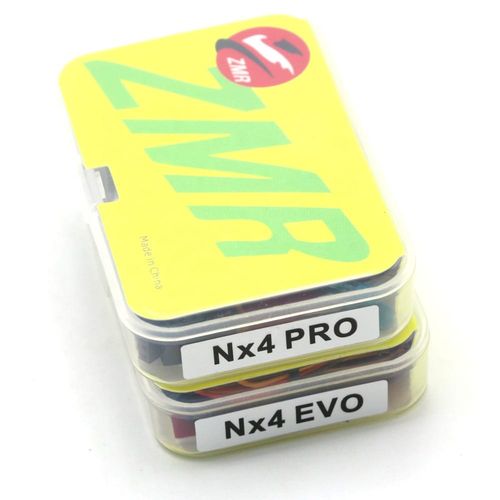
No. The NX4 EVO and NX4 PRO are separate models with different voltage ranges, dimensions, weights and flight functions.
What input voltage does the NX4 EVO support?
The NX4 EVO supports a regulated DC 4.5–6V input.
What is the controller response frequency?
The manufacturer-listed response frequency for the NX4 EVO is 100Hz.
Which aircraft types are supported?
The NX4 EVO supports compatible conventional single-aileron, dual-aileron, delta-wing and V-tail fixed-wing aircraft.
What does the Emergency input do?
When correctly calibrated, the Emergency input activates the one-key rescue function to assist with aircraft recovery. It must be released after the aircraft is level and under control.
Can the stabilization gain be adjusted?
Yes. The aileron, elevator and rudder axes have independent gain adjustment, and compatible radio equipment can control the overall gain.
Does the NX4 EVO provide autonomous flight?
No. It provides gyroscope stabilization, balance, attitude-lock and rescue assistance but does not provide GPS waypoint navigation or return-to-home.
B2B Procurement FAQ
What exact model should be stated on a purchase order?
Specify ZMR NX4 EVO Fixed-Wing Gyro Flight Controller with DC 4.5–6V input and 43 × 28 × 15 mm dimensions.
How can buyers avoid receiving the NX4 PRO?
State NX4 EVO, 100Hz response frequency, 11 g weight and the Emergency rescue input on the purchase order.
Does the word Plastic identify a different NX4 EVO version?
No separate plastic-version specification was found. Both supplied archives show the same transparent enclosure and appear to be duplicate listings.
What should be checked during incoming inspection?
Verify the NX4 EVO model, connector arrangement, DIP switches, Emergency input, cables, mounting pad, adjustment tool and physical condition.
Are the pictured motors, ESCs and cameras included?
No inclusion is established for those items. They are unrelated promotional images and should not be treated as package contents.
Are MOQ, lead time and packaging fixed?
MOQ, lead time, available quantity and packaging requirements must be confirmed during quotation.
Leave Your Message
Products categories
-
ZMR NX4 EVO Fixed-Wing Gyro Flight Contr
-
ZMR NX4 PRO Fixed-Wing Gyro Flight Contr
-
CUAV X7+ Pro Autopilot Flight Controller
-
RadioLink F722 Betaflight Flight Control
-
SpeedyBee F405 V5 OX32 55A FPV Stack
-
SpeedyBee F405 V4 BLS 60A FPV Stack
-
SoloGood F722 V1.0 60A FPV Stack
-
SIYI N7 H7 Autopilot Flight Controller
-
SpeedyBee F7 Mini 35A BLHeli_S Stack
-
RadioLink CrossFlight V1.0 Flight Contro